
Install
Install the extension from the VS Code Marketplace. Community does not require a website signup.
Developers
Start next to the code, then expand into broader verification, policy, and control only when the work needs it. The extension remains the fastest entry point to the shipped product.
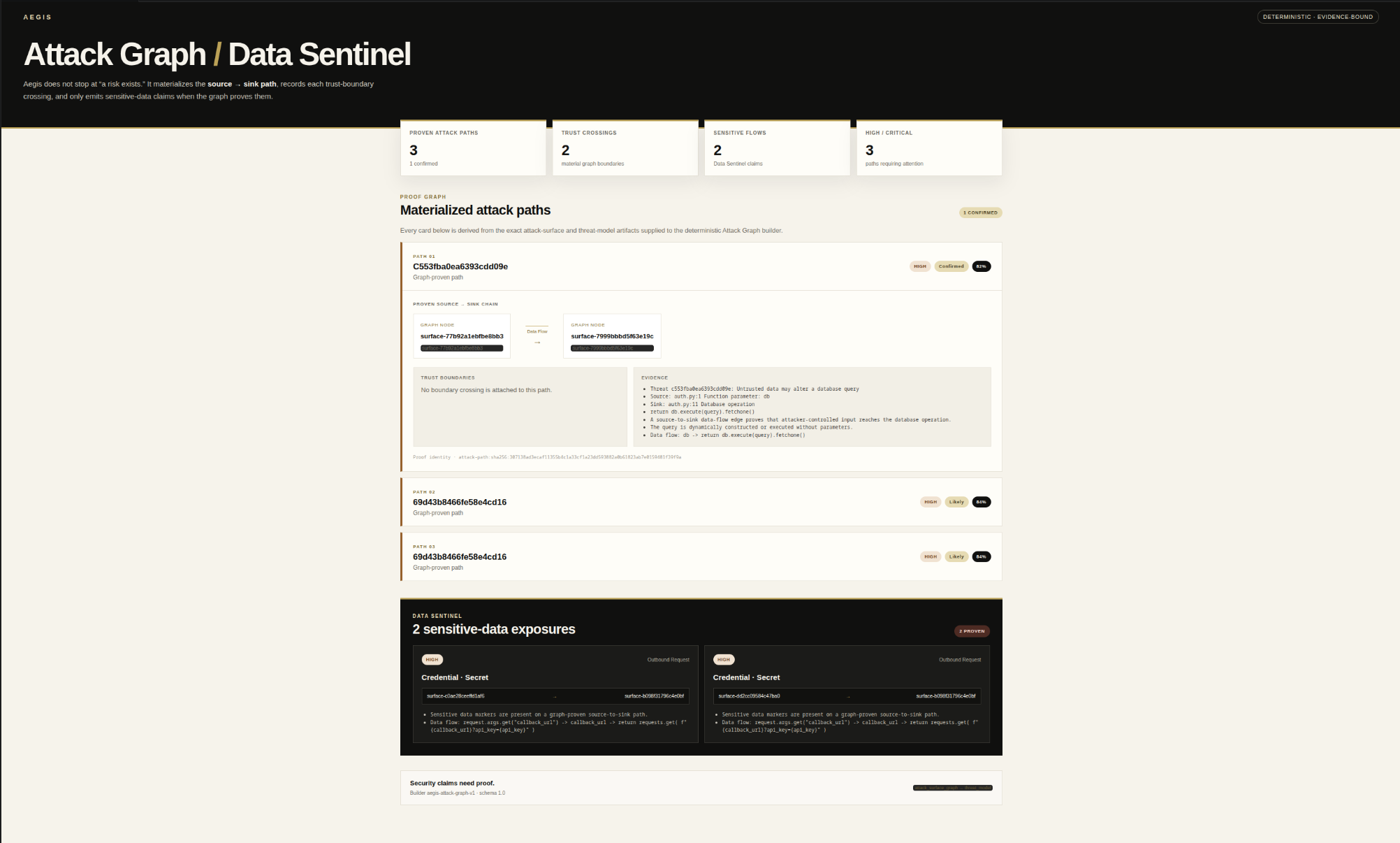
The primary shipped path is the VS Code extension. Aegis provisions the signed managed runtime around the editor while the public repository exposes developer documentation, release artifacts, integration contracts, and security guidance.
code --install-extension aegis-security.aegis-securityOpen Marketplace →FIRST RUN
The shortest path is VS Code first: install Aegis, scan selected code, then add broader or provider-backed workflows only when you need them.
Install the extension from the VS Code Marketplace. Community does not require a website signup.
Open a source file, select code, and run Aegis: Fast Scan Selected Code.
Use workspace, dependency, graph, threat-model, and provider-backed analysis when the review needs more context.
COMPATIBILITY
These are the runtime targets currently verified for the packaged Aegis release.
Apple Silicon / ARM64: not yet a verified managed runtime target. Do not assume compatibility until it is explicitly listed as verified.
QUICK START
No repository clone, Python environment, or manually started web server is part of the public VS Code install path described by this release.
Use the Marketplace or the VS Code CLI command below.
The extension is the primary developer surface for the packaged Aegis workflow.
Inspect claims, evidence, verification state, remediation, and policy from the supported product surface.
The current signed runtime preview provides native x64 artifacts for Linux, macOS, and Windows.
PRODUCT SURFACES
The captures below are real Aegis product surfaces. Developer and runtime details are described as contracts instead of dressed up as fictional activity.
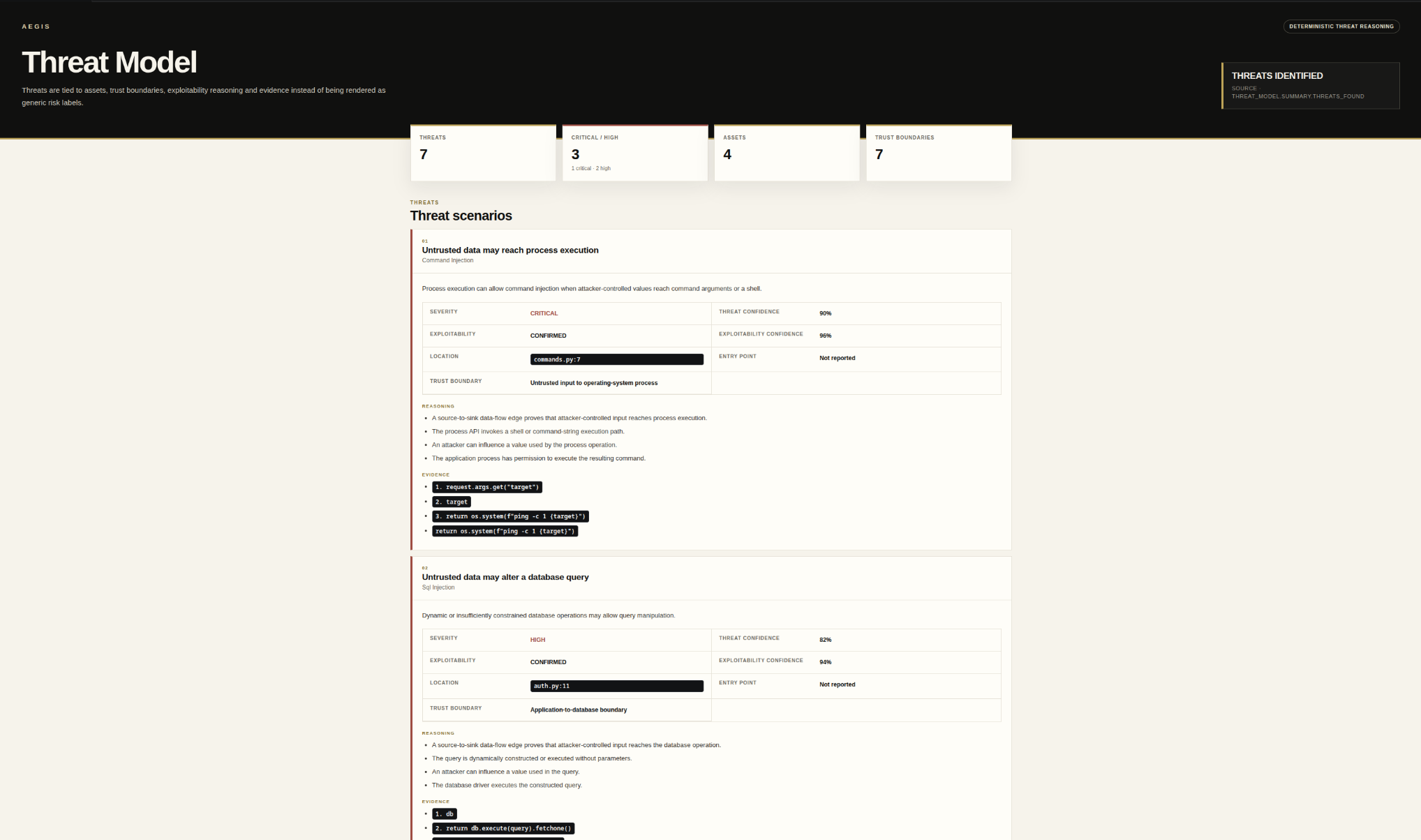
The editor surface exposes findings, evidence, verification state, policy, remediation state, and persistent project security context without collapsing them into one score.
Install from MarketplaceThe public repository exposes documentation, release artifacts, integration contracts, security guidance, and developer-facing surfaces while the proprietary engine stays private.
Inspect the public repositoryThe extension provisions the signed managed runtime on Linux x64 · macOS x64 · Windows x64, verifies release authority, and waits for Aegis health before readiness.
Inspect runtime releasesA security decision should carry the checks and evidence that contributed to it, including missing or incomplete steps.
Analysis does not imply permission to execute. Controlled validation remains separately authorized and constrained.
A patch proposal and a post-change verification result are distinct lifecycle states.
The public repository contains the developer integration surface, release contracts, and security policy. The proprietary runtime core is distributed separately rather than published merely to make installation easier.